
You can show search results either in a popup or on a separate page. Both options provide the same search functionality; the difference is how visitors view the results.
- Show results in a popup: Results appear below the Search bar on the page the visitor is currently viewing.
- Show results on a separate page: After entering a query, visitors are taken to a dedicated Search results page with its own URL. Visitors can also open, bookmark, or share the page URL.
Show results in a popup
- In the Editor, open the bar’s settings and turn on Show results in popup.
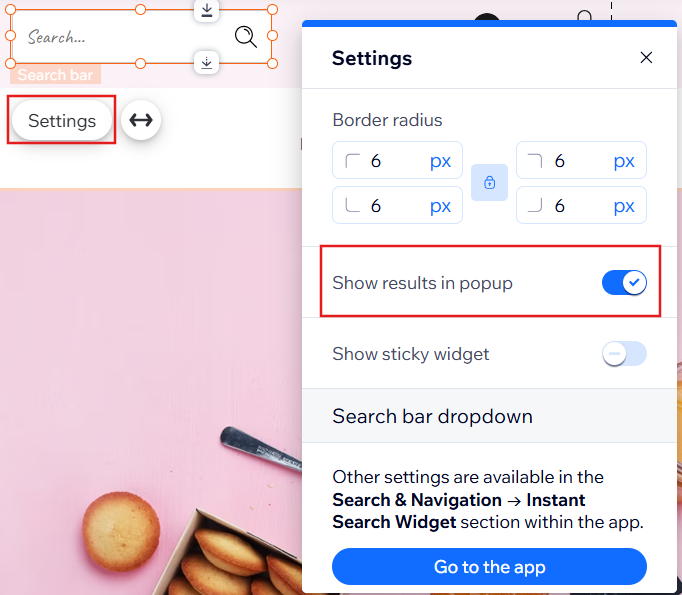
- Publish the changes.
Show results as a separate page
- In the Editor, open the bar’s settings and turn off Show results in popup.
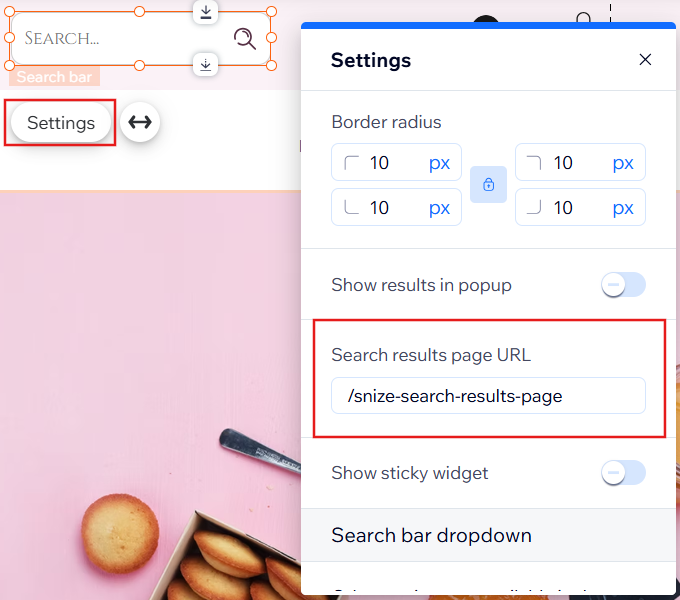
snize-search-results-pageis the default URL in the Search bar settings. - Publish the changes.
